Custom Statuses
Written By ClawB1t
Last updated 9 months ago
What are Custom Statuses
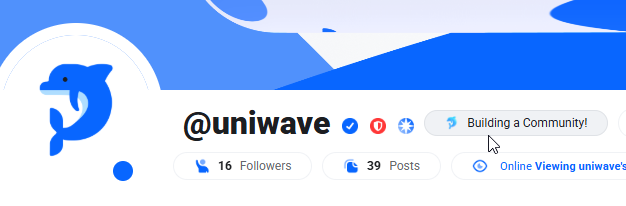
Custom Status lets you share a short message and optional emoji that appear alongside your name on UniWave. It’s a quick way to let others know what you’re up to, set the tone for your profile, or just add a personal touch to your presence.
Whether you want to show you’re available to chat, busy working, or simply feeling a certain vibe, your custom status helps communicate that at a glance. You can update it at any time, and it’s visible to everyone who can see your profile.
Setting A Custom Status
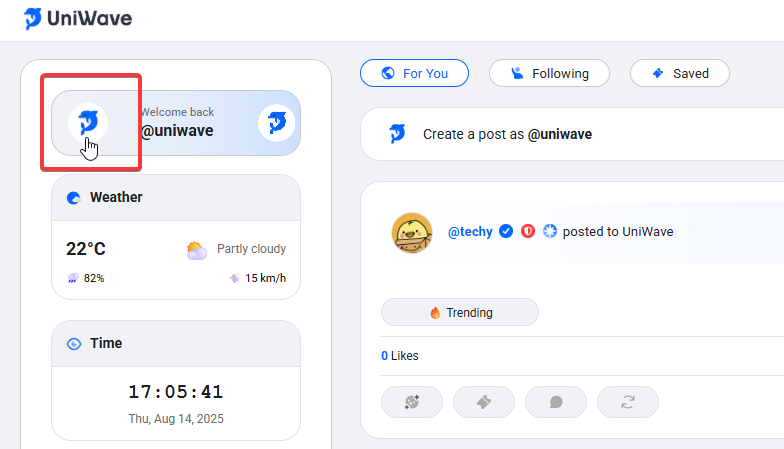
Head over to your profile page by clicking on your profile picture on the Primary Sidebar
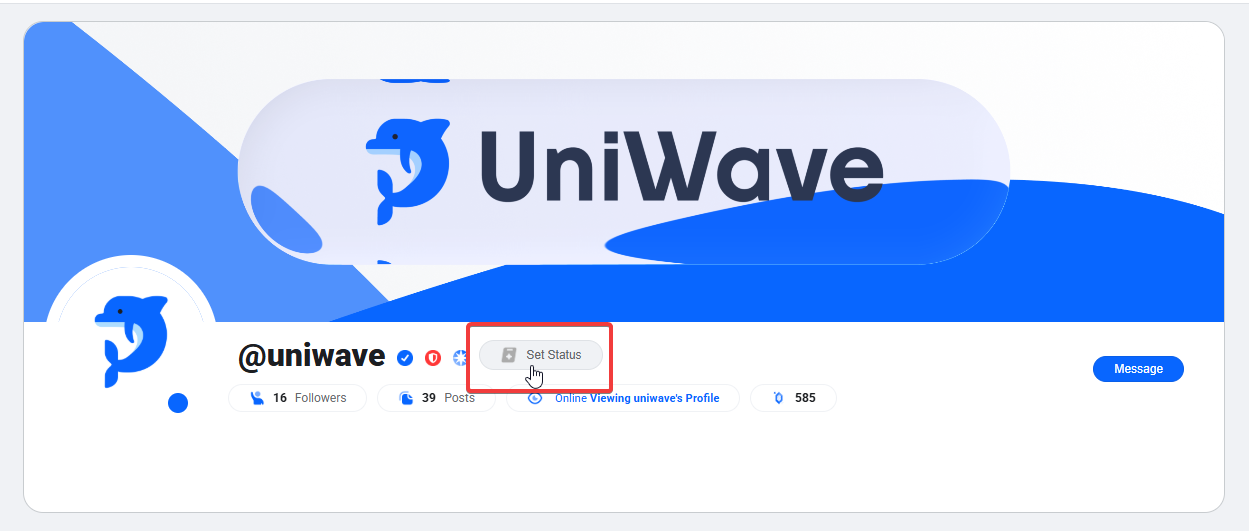
Select the “Set Status” bubble next to your username on your profile page!
Select an icon for your custom status, choose from hundreds of animated Fluent Emojis and type whatever it is you’re up to!
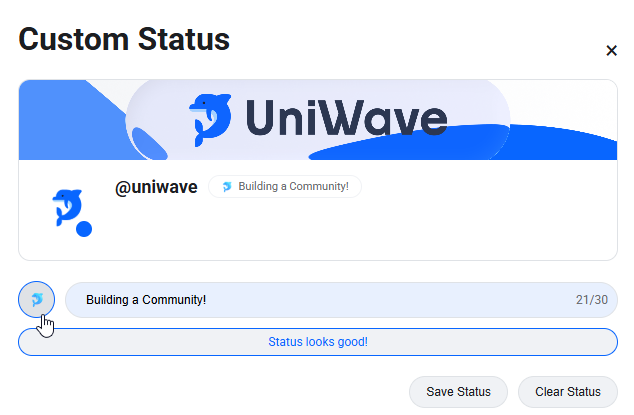
Click the “Save Status” button and now you have a status set on UniWave next to your username!
Guidelines
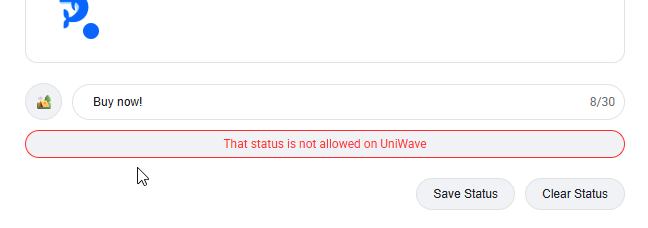
UniWave statuses are visible to anyone who views your profile, so we recommend keeping them clear, friendly, and welcoming to all users. To maintain a safe and trustworthy environment, certain words and phrases are prohibited; particularly those that could be used for impersonation, misleading promotions, or scams.
For example, a phrase like “Buy now!” is not permitted, as it could be used to deceive or pressure other users. Our filters are in place to help protect the community and ensure everyone has a positive experience on UniWave.